AI Automation Workflows: Why Most Systems Break After Deployment
Automation has a predictable lifecycle. It starts clean.
You build a workflow, test it with ideal inputs, connect your tools, and everything runs exactly as planned. It feels efficient. Reliable. Almost finished.
Then reality steps in.
A form gets submitted with missing data. A client replies in an unexpected way. A team member skips a step because they are in a rush. None of these are edge cases. They are normal.
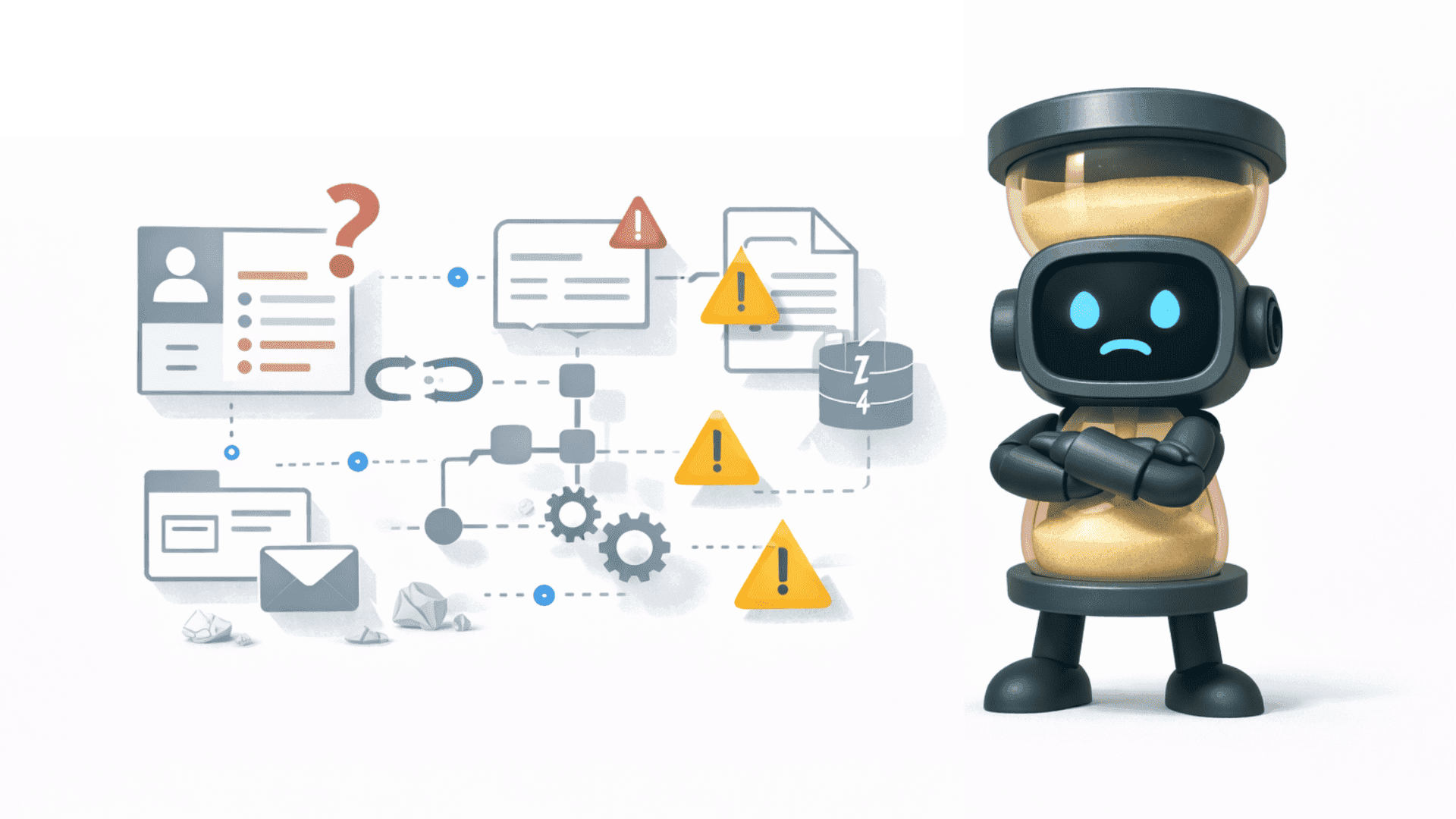
And that is where most automation workflows begin to break.
Not all at once. Quietly. Gradually. Until people start stepping back in to “just handle it manually again.”
AI Automation Workflows and Process Reality
Most workflows fail because they are built on an ideal version of the business.
On paper, processes look structured. Leads come in with complete data. Tasks move in a clear order. Decisions follow predictable rules.
In practice, none of that is fully true.
People fill in gaps without thinking. They adjust based on context. They make small judgment calls that never get documented. These invisible actions are what keep the process running.
Automation removes that layer.
Now every step needs to be defined. Every input needs to be reliable. Every decision needs logic behind it. If that structure is missing, the workflow becomes fragile immediately.
This is usually where things start to feel “off.” Not broken enough to stop everything, but unreliable enough that trust starts to drop.
Workflow Automation Systems and Integration Weak Points
Most automation workflows depend on multiple tools working together. CRM, email platforms, internal systems, sometimes spreadsheets still sitting in between.
Each connection introduces a weak point.
Tools update their APIs. Fields get renamed. Permissions change. None of these are major events individually, but they affect how data moves through the system.
The issue is not that these changes happen. The issue is that most workflows are not designed to detect them.
So the automation keeps running, just incorrectly.
Data stops syncing properly. Steps get skipped. Outputs look slightly different. At first, no one notices. Then reports start to feel inconsistent. Teams begin double checking things manually again.
At that point, the system still exists, but it is no longer trusted.
Business Automation Workflows and the Gap Between Design and Use
There is always a difference between how a workflow is designed and how it is actually used.
When workflows are mapped out, they follow logic. Step one leads to step two. Inputs are clean. Outcomes are predictable.
But teams don’t operate like diagrams.
They take shortcuts. They prioritize speed over completeness. They use tools in ways that were never intended. Not because they are careless, but because they are trying to get work done.
Automation depends on consistency. Real operations are rarely consistent.
This creates friction.
You start hearing things like “the system doesn’t work for this case” or “just do it manually, it’s faster.” These are early signals that the workflow does not match reality.
At that point, automation is no longer reducing work. It is creating alternative paths around it.
What Actually Keeps AI Automation Workflows Running
Reliable automation is not about building more. It is about removing uncertainty.
Processes need to be clear before they are automated. Not perfect, but explicit enough that someone outside the team could follow them.
There needs to be ownership. Someone who knows how the workflow works, notices when it doesn’t, and improves it over time.
Basic monitoring also matters more than most teams expect. Not complex dashboards, just enough visibility to know when something stops behaving as expected.
This is where a lot of companies shift their thinking. Early on, automation is treated like a tool. Something you implement and move on from.
Later, it becomes clear that it behaves more like infrastructure. It needs structure around it, or it slowly degrades.
In the work we do, this is often the turning point. Once workflows are treated as part of the operational system instead of isolated fixes, they start holding up under real conditions.
That is when automation actually compounds.
Because a workflow that keeps working is very different from one that only worked at launch.
30 March 2026